
In PHSE we have been talking about staying safe online. We discussed many different scenarios and learned what we should do if we encountered a situation like this.
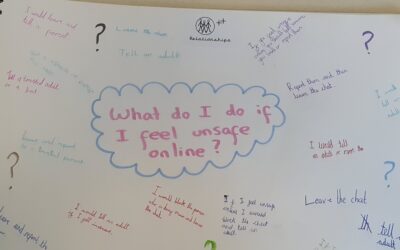
PHSE Online Saftey
read more

In PHSE we have been talking about staying safe online. We discussed many different scenarios and learned what we should do if we encountered a situation like this.
Guidance for parents and carers on online sexual harassment and keeping children safe online. The Children’s Commissioner is launching a guide for parents and carers on online sexual harassment and how they can support children to stay safe online. The guide will...
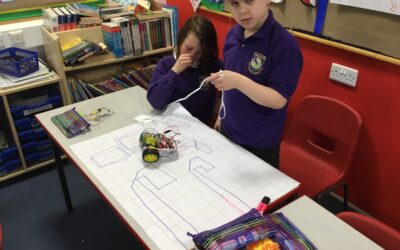
We finished our Crumbles project in the last week of term and - as you can see in the photos below - we designed routes for our vehicles to follow and then created the correct programme to make the vehicles follow the route. It was very tough and we had to work hard...

This half term we have been programming floor robots to move forwards and backwards and turn left and right. Today, we used our skills to direct the robots around a map to our chosen finishing point. We planned our routes first and then tested them out. We debugged...
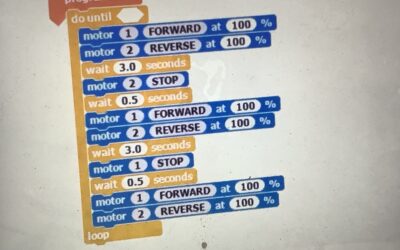
We've been working hard to get our Crumble vehicles - our Crumble-mobiles! - to move in the directions we want them to. This hasn't been easy - we've had wheels that needed to go in different directions because the motors were different ways up (!) and also had to...
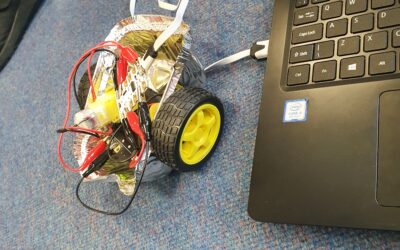
Today we have been learning to programme a turning sequence on our crumbles. We managed to make the crumbles move forward and back. However, crumbles do not have a right and left function so we had to problem solve in order to achieve this. We discovered that in order...
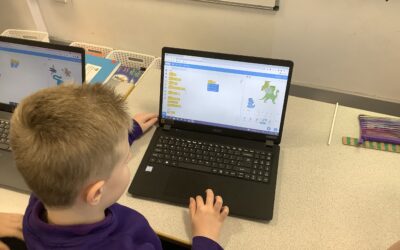
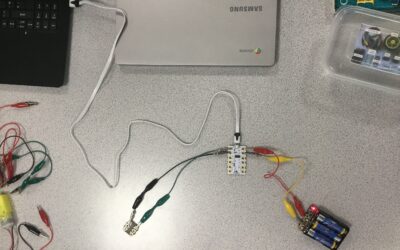
In Year 5 and 6 we have begun using Crumbles as part of our programming work. Crumbles are great little mini-computers which can be used to make lights, buzzers, motors and sensors work. We're going to use then to make a moving vehicle from WW2 - keep an eye out on...
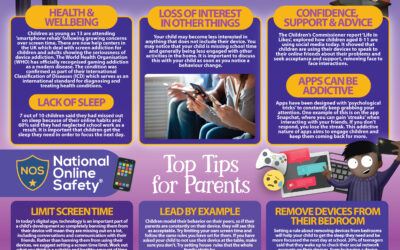
If you find it hard to monitor what your kids are watching online and need a little help, here are a few 'What parents need to know about...' guides to help you out. If there is any topic that you are not sure of, please just send us an email and we will try to source...
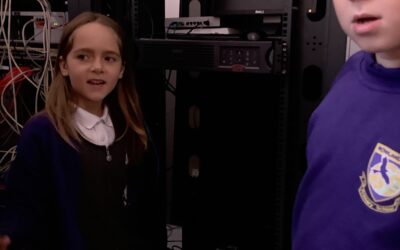
In computing, we have been learning about how computers are connected today. We went on a magical mystery tour of the school to find out what all the different digital devices are connected to in our network. We found wireless network points and connections all over...