
Computing

Year 5 Helping the Community

Year 5 Helping the Community

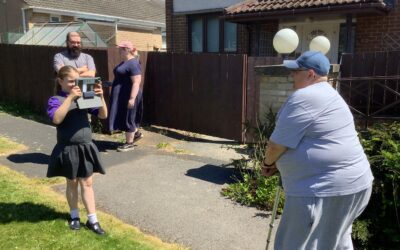
Some of year 5 have been taking part in an intergenerational (and may I say magical ) project with our neighbours who live in the bungalows near Rowlands Gill Primary. Digital Voice is a charity who bring community together engaging in a project. In this project the...
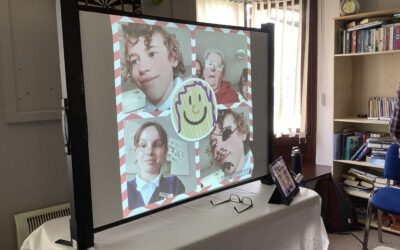
read more
Year 5 Digital Voice Project

Year 5 Digital Voice Project

Some of the Year 5 children have been selected to attend a Digital Voice Project in the local community. Today, we have been working with the community and learning about photography. We took portrait photographs of each other and zoomed in on the nature around us,...

read more
Using Laptops

Using Laptops

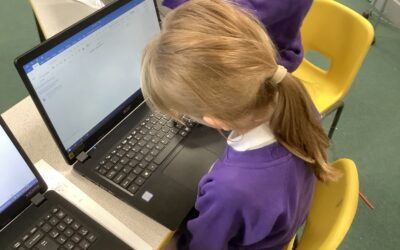
We have been learning about how to use the laptops and use the keys to help us write sentences. We compared the similarities and differences between writing on paper and on a computer.

read more
Designing using technology

Designing using technology

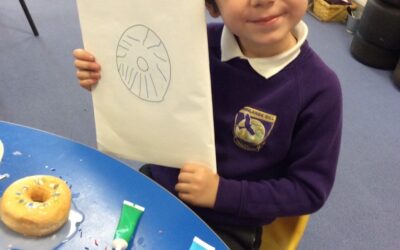
This week we used the iPads to create a pattern for the donut shell of ‘Norman the slug and his silly shell’. We had fun creating and eating our repeating patterns.

read more
Branching Databases

Branching Databases

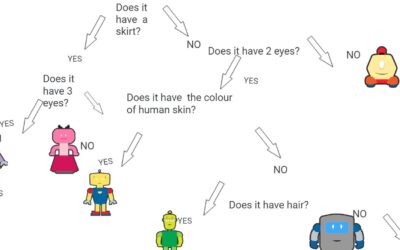
The children have been learning how to create branching databases in computing and they have spotted them in other subjects too like science when they have been identifying rocks.  

read more
Physical computing

Physical computing

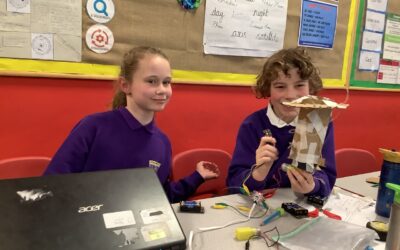
Physical Computing with Crumbles - final design. Our final lesson in Physical Computing with Crumbles was to use all of the skills we have learned to create a moving Carousel. We connected our crumble and created an algorithm, which allowed the motor to spin the...

read more
Labelling objects

Labelling objects

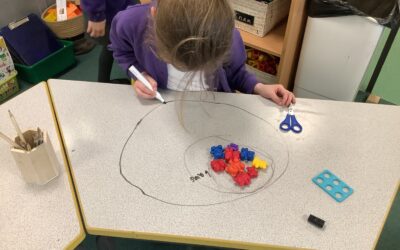
We have begun to group objects and label them using everyday objects around the room. We found different objects that could match the labels that we created.

read more
Sequence sounds in Scratch programming

Sequence sounds in Scratch programming

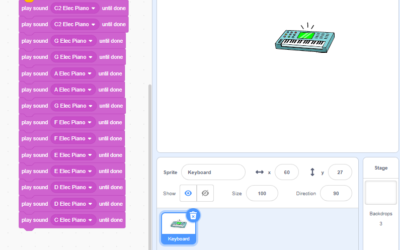
Check out the children's scratch projects to sequence sounds. The children have programmed their instruments to play twinkle twinkle little star. You may need to press the instrument or the space bar to get them started enjoy.

read more
Safer Internet Day 3M

Safer Internet Day 3M

On Safer Internet Day, we asked the question  'What do you do online?' and 'How do keep safe online?' The children made animations to show what they do online and they asked each other questions to make soundbites about how they keep safe online or what they...

read more