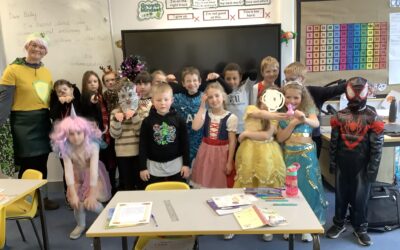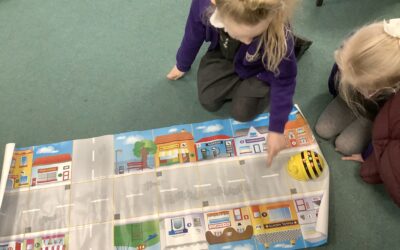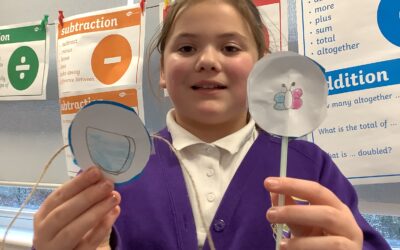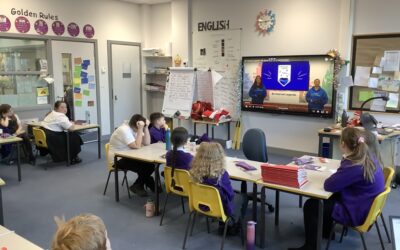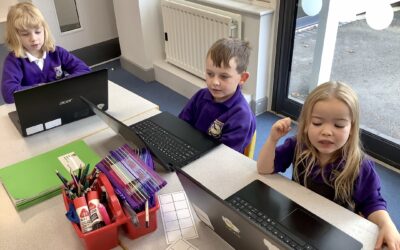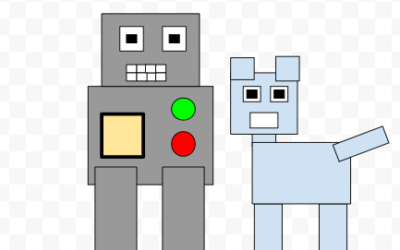

As part of Safer Internet Day, we read the story of ‘Hanni and the Magic Window’. As a class, the children discussed how they spend their time online and what they could do if they ever feel unsafe or uncomfortable online. The children then worked in groups to think...
Computing
Computing – Branching Data bases
In computing, we created and selected attributes to create a data base to find animals using yes or no questions.
Introduction to Video
In Computing, Year 5 have began their new topic: 'Video Editing'. This half term, we will be creating our own videos and learning how to manipulate and change them in order to suit our initial plans. Today, we looked at how videos are simply, moving images. We...
Internet Safety with Google and Interland
In 3M we took part in an interactive assembly with Google and Interland. We were joined by our local MP Liz Trust who reminded the children how important it is to be safe online. 3M nailed the challenges and knew exactly what to do in tricky situations online....
Using a mouse
We worked hard in computing, logging on to the laptops, using the mouse to design our own pieces of artwork and then logging off. We used the paintbrush, rubber, fill tool and undo button to help us create our pictures.
Digital Writing
We are very excited to be working on laptops this half term! Today we learned how to log in and open a word document, then we found the keys needed to type our names. We even practised saving our work so we can go back and edit our writing next week.
Animations- the finished products
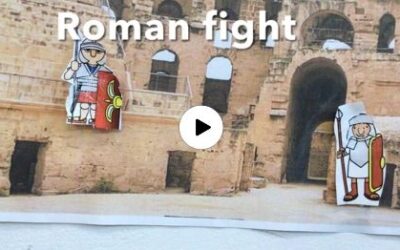
Video content alert. 3M have really enjoyed editing their animations and adding voiceovers, text and music.
Duplication and Layering
We’ve been learning how to use duplicated shapes to produce more complex pictures and have made some brilliant images! We’re really skilled at using Google Drawings now and are even using shortcuts like ‘Ctrl D’, ‘Ctrl X’ and ‘Ctrl Z’ to help us work more quickly, as...
Amazing Duplication in Year 5 and 6!
We've been learning how to use duplicated shapes to produce more complex pictures and have made some brilliant images! We're really skilled at using Google Drawings now and are even using shortcuts like 'Ctrl D', 'Ctrl X' and 'Ctrl Z' to help us work more quickly, as...
Creating digital art
In Computing we have been learning to use different tools such as paint, erase, fill and shape to create digital paintings. We then completed a challenge to create a piece of work in the style of Piet Mondrian.